


Accessibility
Welcome to the Leeds and the Thousand Islands Public Library! We believe that everyone belongs here, and we’re dedicated to making sure our spaces, services, and collections are easy for everyone to enjoy.
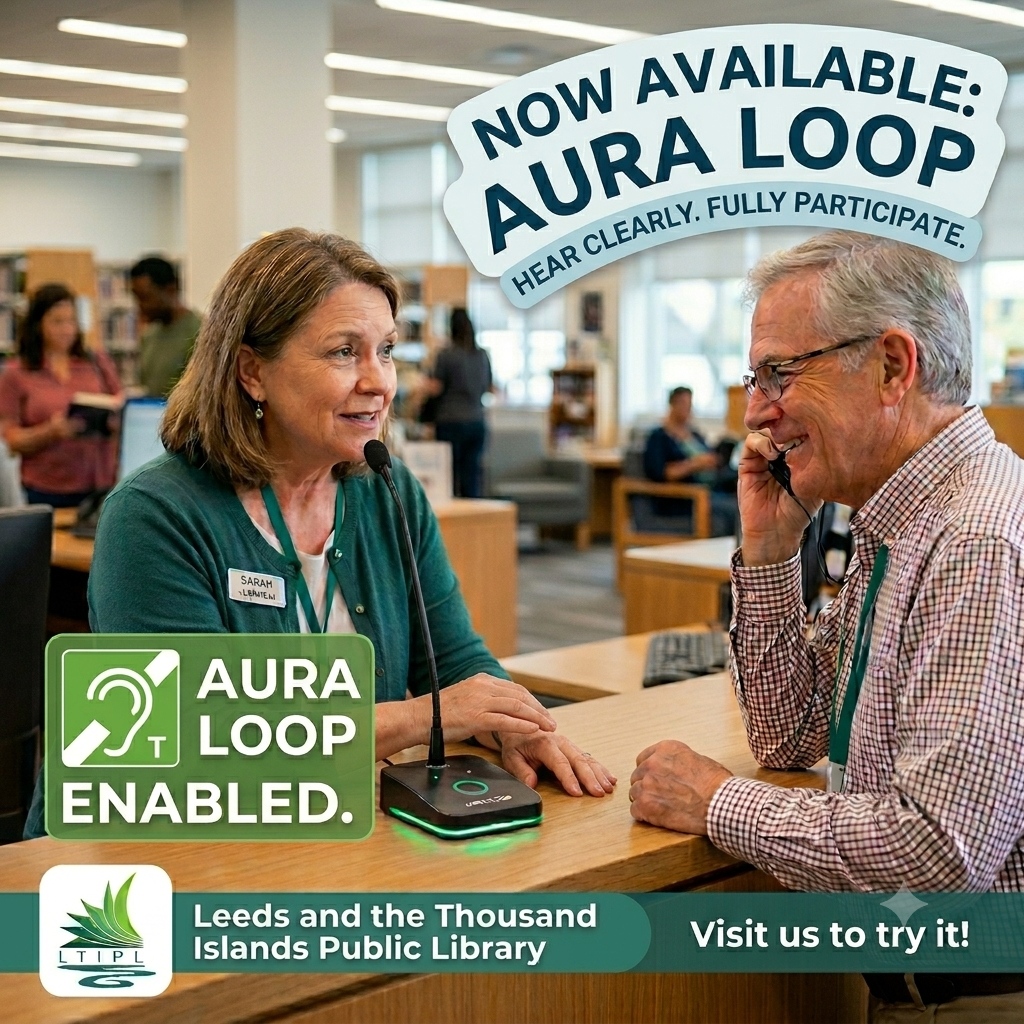
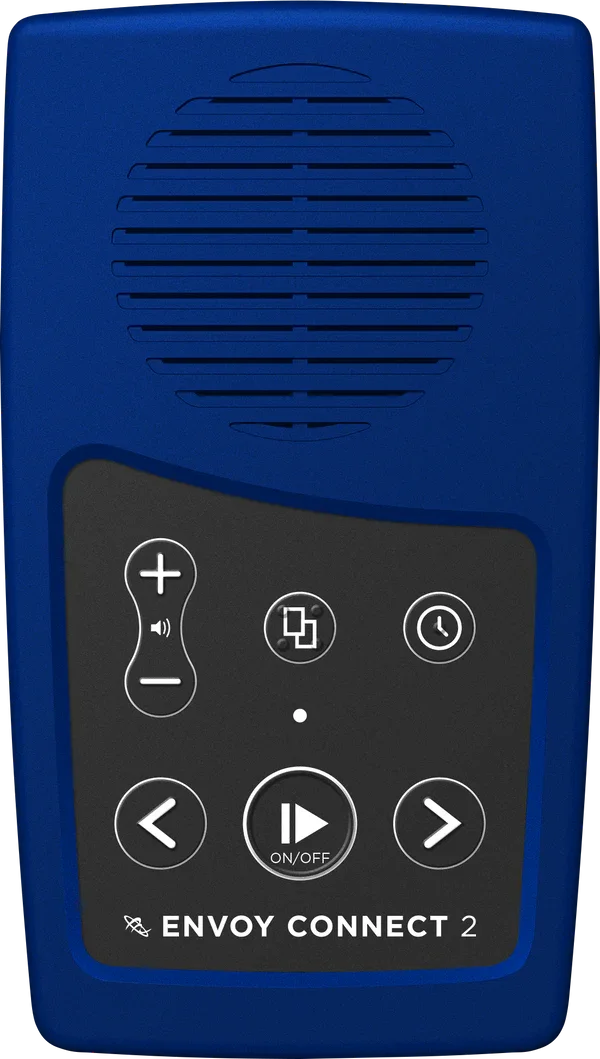
In line with the Accessibility for Ontarians with Disabilities Act (AODA), we go the extra mile to ensure you get the information and support you need. Whether it’s through our accessible spaces, our Aura Loop, large print books, audio books, ebooks, Envoy Connect readers or personalized assistance, we’re here to help you make the most of your library visit.


The CELA (Centre for Equitable Library Access) library is a Canadian not-for-profit service designed for people with print disabilities (eg. blindness, visual impairment, learning disabilities, or physical disabilities) to access a vast, free collection of over 1 million accessible titles. It provides materials in formats like audio, braille, and e-text, tailored for compatibility with assistive technologies.
How to Access the CELA Library & Select Books
Visit CELA’s website to sign up for a free account or print and fill out this form and deliver to your nearest branch.
Please add the Leeds & the Thousand Islands Public Library as an authorized designate to ensure our staff is able to assist you if required.
If you would like to check out our Envoy Connect Talking Book Player, be sure to include the Direct to Player option when creating your account.
Using the CELA website, add your prefered books to your bookshelf (Daisy Direct to Player option) to prepare them for download.
Registered CELA Patrons can also download titles onto their computer, mobile device, eReader, and Alexa device through their CELA accounts. CELA will even mail Print Braille books to your home! Please register and log into your CELA account for more information.
*NOTE: Proof of disability is not necessary to access CELA services and a large list of available titles. However, proof of disability is required for full access to the CELA library.
Loading Books onto the Envoy Connect Player
The Envoy Connect Talking Book Player is available to our CELA eligible Patrons to borrow.
To load books on the Envoy Connect using your computer, download the CELA Connect Software and connect the device using the provided USB cable. You may also contact us at the library with your requested titles, and our helpful staff will load the books on the the Envoy Connect for you.
To load books on the Envoy Connect using your handheld device, download the Dolphin Easy Reader app and connect the device using the provided USB cable.
To check out one of our Envoy Connect Talking Book Players, your materials must be added to your CELA Bookshelf at least one day in advance before uploading. Patrons may add items to their CELA bookshelf (Daisy Direct to Player) themselves, or contact us at 613-659-3885 for staff assistance.
-
Audio Books
YOUR NEXT ADVENTURE IS A LISTEN AWAY
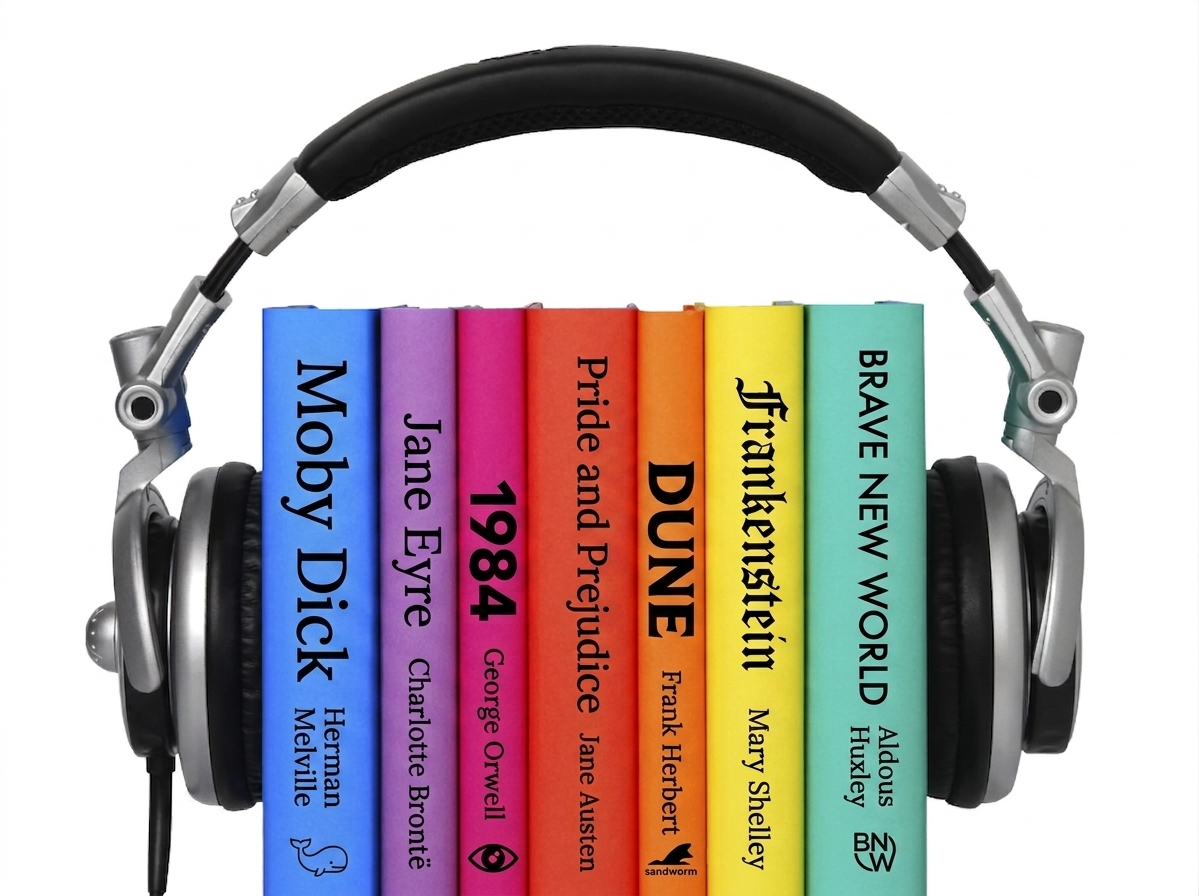
We believe everyone should have access to the magic of books. Our audiobook library is designed to bring stories to life—wherever and however you read. They are the perfect way for our visually impaired community members to dive into the latest bestsellers, and the ultimate travel buddy for your next vacation. Ready to listen? Grab your library card and browse our digital shelves today.
-
Aura Loop
ACCESSIBLE HEARING AT OUR DESK
We want to make sure every conversation is crystal clear. Our circulation desk is now equipped with an Aura Loop assistive hearing system. If you use a hearing aid or cochlear implant with a T-coil, simply switch it on to experience direct, background-noise-free communication with our staff.
-
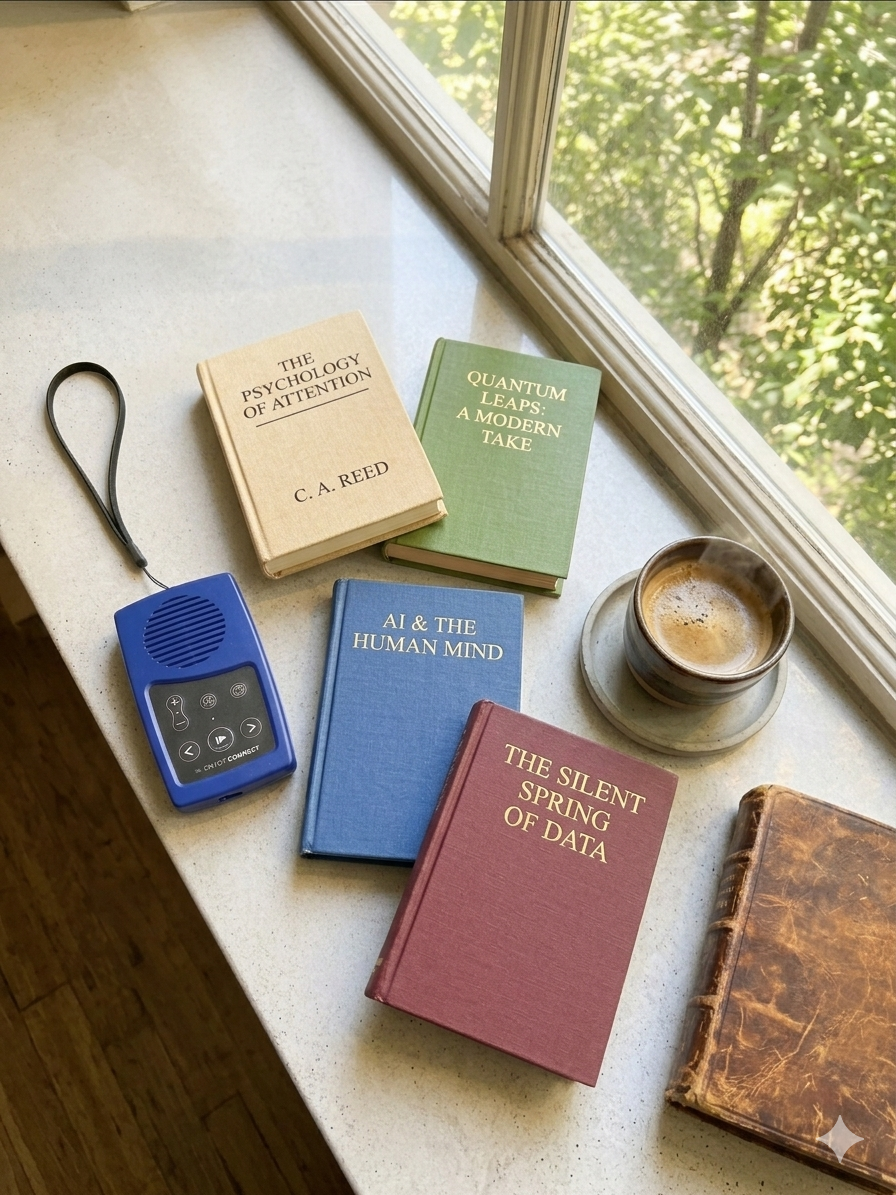
Envoy Connect
TALKING BOOK PLAYER
Pocket-sized and incredibly easy to use, the Envoy Connect 2 is perfect for everyone. Store your favorite audiobooks on the built-in bookshelf and listen anywhere. Thanks to solar charging and a long-lasting battery, it’s built for true mobility. Accessible, affordable, and practical—it’s the ultimate go-anywhere audio companion.
-
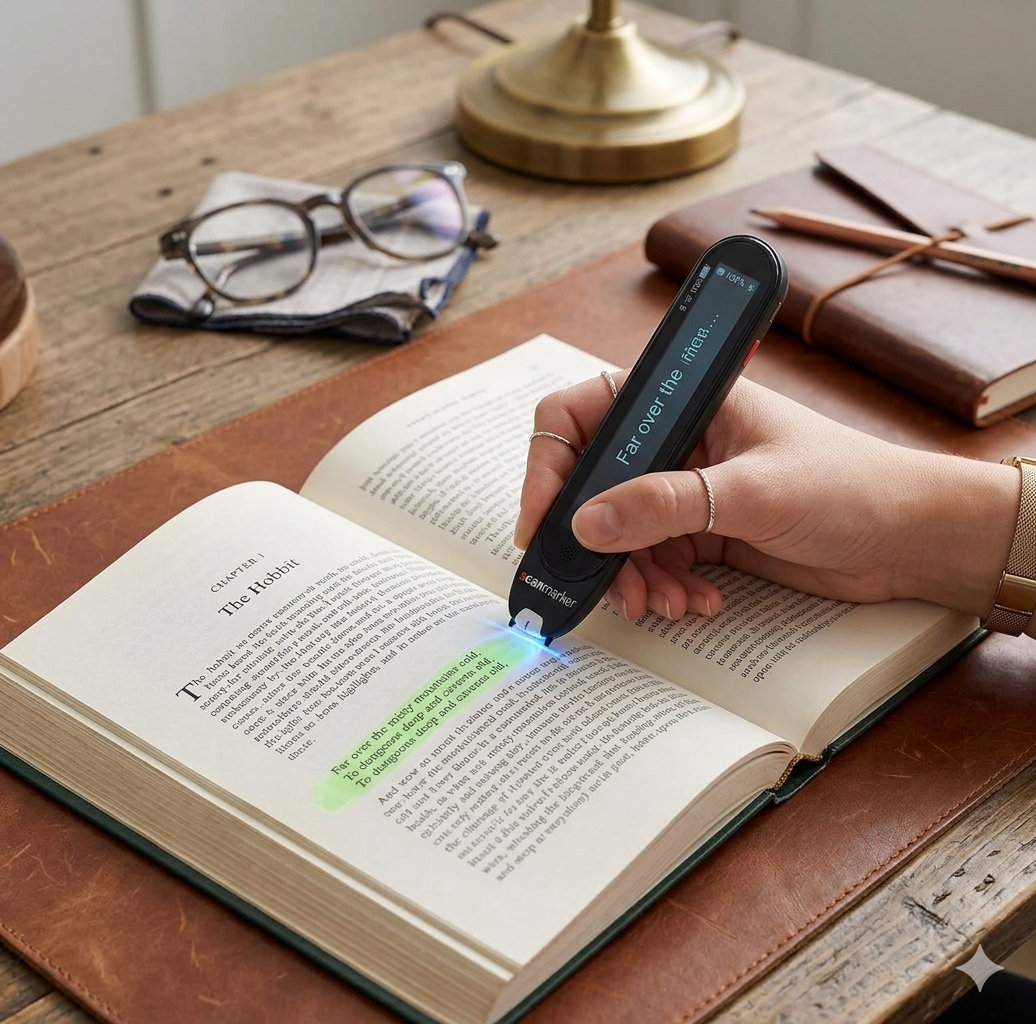
Scanmarker Pro
WIRELESS DIGITAL HIGHLIGHTER
Unlock learning and seamless communication with the Scanmarker Pro. Designed for students, travelers, and individuals with dyslexia or ESL needs, this portable pen scans text, reads it aloud instantly, and highlights words on-screen. It supports translation into over 100 languages, featuring offline functionality for English, Spanish, French, German, and Italian.
-
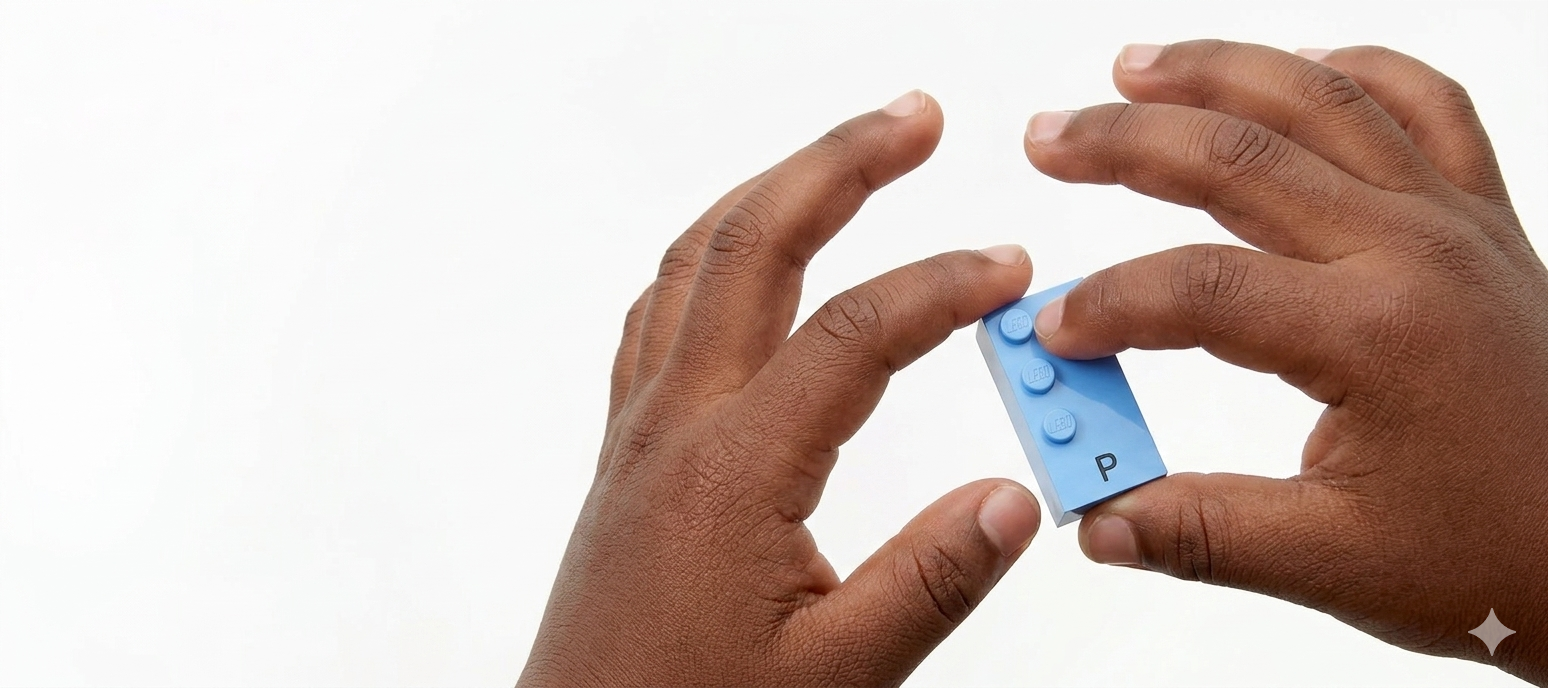
Braille Lego
LEARN BRAILLE THROUGH PLAY
Learning braille is a transformative skill that opens doors to education, autonomy, and future employment for visually impaired children. LEGO Braille Bricks support this journey by featuring a braille character on every piece. With a library of over 100 activities, these sets allow blind and partially sighted children to develop essential literacy skills through engaging, playful learning. -

Large Print Books
NO SQUINTING REQUIRED
Love a great story but tired of straining your eyes? Discover the Large Print Collection at your library!
We stock a huge variety of your favorite books—from fresh bestsellers and gripping mysteries to biographies and history—all in oversized, crystal-clear fonts.